웹프로그램밍 자료실/JAVA 자료
[해피CGI][cgimall] Alpine.js ( Masonry Gallery + Lazy Loading )
해피CGI윤실장
2025. 6. 23. 09:09
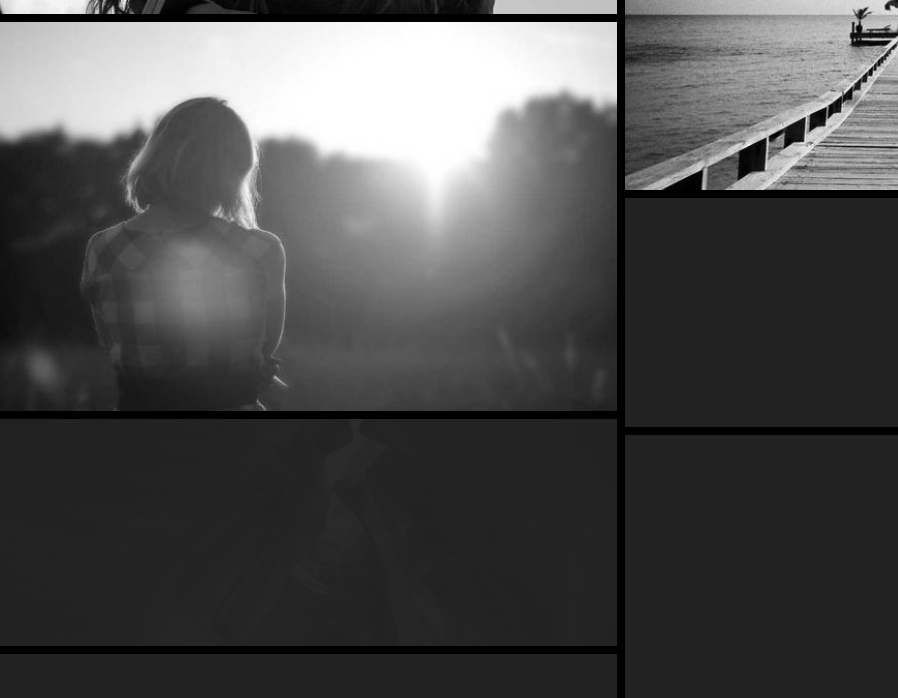
Alpine.js를 사용하여 html 블록을 반복 생성하게 만든 디자인 입니다.
스크롤 시 설정한 개수 만큼 이미지가 자동으로 출력되게 되어있습니다.
자세한 내용은 데모를 확인해 주시기 바랍니다.

HTML
|
<div class='wrapper'>
<div x-data class='gallery'>
<template x-for='i in 300' :key='i'>
<li x-data='observeImages' x-intersect.margin.200px.once='loadImage'>
<img x-ref='img'>
</li>
</template>
</div>
</div>
|
CSS
|
* {
margin: 0;
padding: 0;
box-sizing: border-box;
}
.wrapper {
background-color: black;
padding: 0.5rem;
}
.gallery {
column-count: 1;
column-gap: 0.5rem;
list-style-type: none;
& li {
break-inside: avoid;
min-height: 30vmin;
margin-bottom: 0.5rem;
background-color: #222;
& img {
display: block;
width: 100%;
object-fit: cover;
filter: grayscale(100%);
transition: opacity 0.3s;
}
}
}
@media (width > 500px) {
.gallery {
columns: 2;
}
}
@media (width > 900px) {
.gallery {
columns: 3;
}
}
|
JS
|
function registerComponent() {
Alpine.data('observeImages',function() {
return {
random(min,max) {
return Math.floor(min + Math.random() * (max-min));
},
loadImage() {
const id = this.random(100,1000);
const width = this.random(300,600);
const height = this.random(200,500);
const img = this.$refs.img;
img.width = width;
img.height = height;
img.src = `https://picsum.photos/seed/${id}/600/400`;
img.style.opacity = 0;
img.addEventListener('load',() => img.style.opacity = 1,false);
},
}
});
}
document.addEventListener('alpine:init',registerComponent,false);
|